On this page
Hokkaido winter is one of the hardest tests a JPEG compressor faces: big areas of almost white snow, pale overcast skies and soft gradients with nothing to hide behind. Here is what to check, and how JPEGmini and JpegSlim compare.
Why snow is the hard case
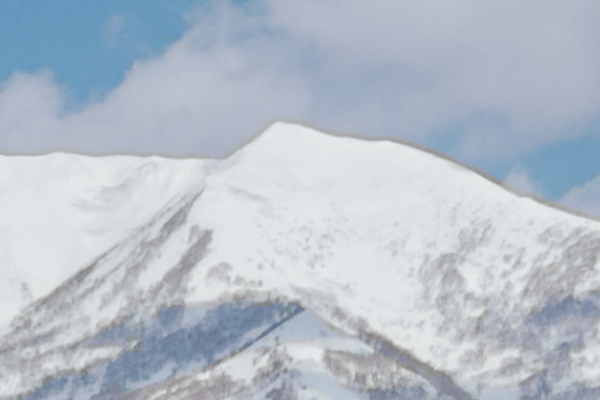
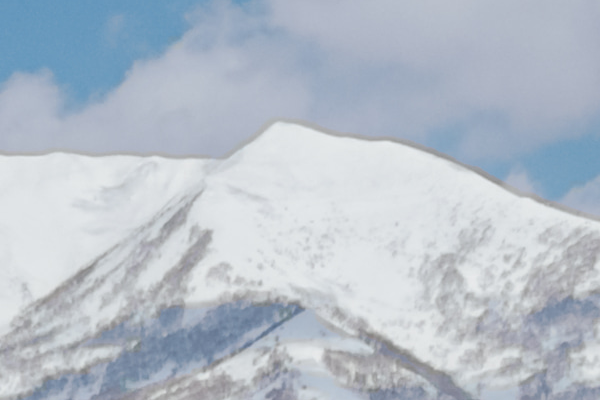
JPEG stores an image in small blocks and throws away detail the eye is unlikely to miss. In a busy frame, such as birch trunks against a slope, there is plenty of texture to hide that loss. In a groomed piste, a snow field in shade or a pale overcast sky there is almost none, so fewer bits show up as soft steps, faint blocks and bands across the gradient.
Snow also sits right at the top of the tonal range. Small shifts near white are easy to see on a good screen, and many clients now view galleries on bright phone displays. An average quality score can look fine while the flattest quarter of the photo has quietly got worse, which is why checking tile by tile matters.
How to check a compressed winter photo
Pick the flattest frames
Overcast sky, a snow field in shade, a lake on a still day. Leave the busy frames until last; they rarely show problems.
View at 100%
Fit to screen hides almost everything. Look at real pixels.
Flip in place, do not compare side by side
Your eye catches a change far better when one image replaces the other in the same spot.
Look at edges and shade
The line where a ridge meets the sky and the blue shadow under trees show banding first.
Decide per preset, not per photo
If the flattest frames pass, the rest of the set will too.
How each app protects flat areas
JPEGmini, made by Beamr, scores each tile of the image with its Beamr Quality Measure and controls compression tile by tile, keeping the smallest candidate with no added visible artefacts (see JPEGmini's own explanation). The measure and its pass mark are not published. Results vary by photo: busy frames shrink less than clean ones.
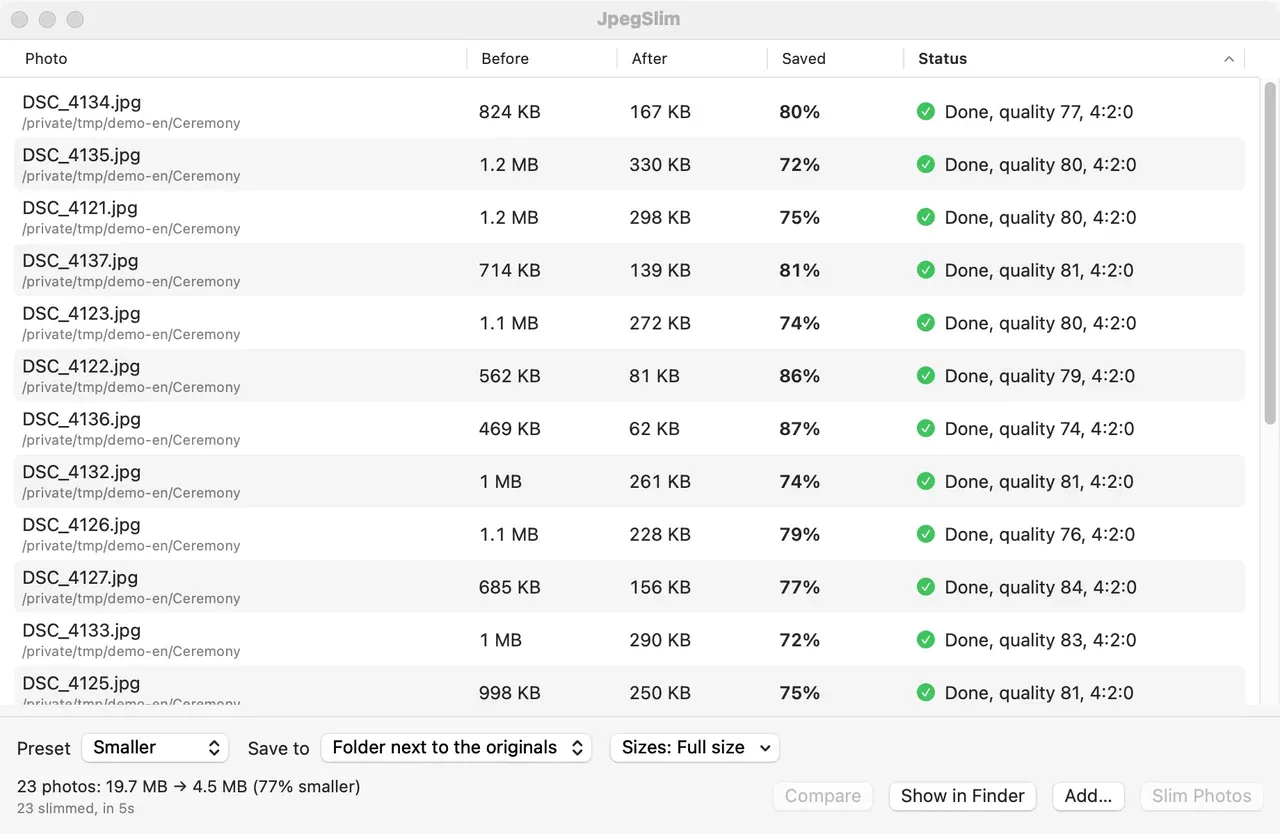
JpegSlim tries many compression levels with the mozjpeg encoder and keeps the smallest file in which every 512 px tile still scores at least 88 on SSIMULACRA2. SSIMULACRA2 publishes what its scores mean: at 80 an average viewer sees no difference side by side at 1:1, at 85 none when the two are swapped in place, and at 90 none even when they flicker. Each result is decoded again and scored before it is kept, and if one tile of pale sky misses the floor, the whole photo keeps more quality.
| Preset | Quality floor | Use it for |
|---|---|---|
| High quality (default) | Every tile 88 or more | Client galleries and anything that may be printed |
| Smaller | Every tile 80 or more | Web, blog posts and social media |
| Lossless | Pixels unchanged | When nothing may change; 5 to 15% smaller in our tests |
JPEGmini and JpegSlim compared for winter work
| Feature | JPEGmini | JpegSlim |
|---|---|---|
| How it decides | Beamr Quality Measure per tile; measure and pass mark not published | Open SSIMULACRA2, every 512 px tile 88 or more |
| Sizes per run | Multi-size export to subfolders since version 4.5 (June 2026); watch folder automations in Pro + Automations (US$99) | Full size, 2048, 1600, 1200 px or custom, each to its own folder |
| Platforms | Mac and Windows | Mac only, macOS 14 or later |
| Lightroom and Capture One | Plugins in the US$89 plan | Lightroom Classic plugin and Capture One Open With, included |
| Price | US$59 Pro, US$89 with plugins | US$39 planned, one time |
| Status | On sale | Not on sale yet, waitlist open |
JPEGmini plans checked on jpegmini.com on 21 November 2026: Pro US$59, Pro + Plugins US$89, Pro + Automations US$99, Complete Bundle US$129. Every paid plan includes one year of updates. Version 4.5 details from the release notes.
How much smaller winter exports get
| Source files | Median saving |
|---|---|
| Exports at quality 100 | About 70% |
| Exports at quality 98 | About 48% |
| Camera JPEGs at Fine (about quality 95) | About 23% |
| Files already at quality 90 | About 10% |
| Smaller preset, from quality 100 | About 85% |
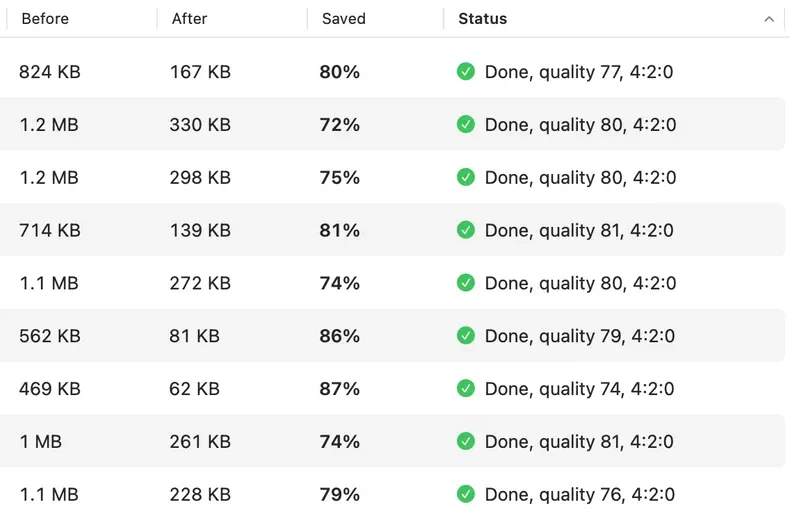
These are early figures from a synthetic set of scans and generated frames, not from real camera files. Expect noisy high ISO frames, common at dusk in snowfall, to shrink less. Nomado Apps will publish both apps tested on the same real exports.
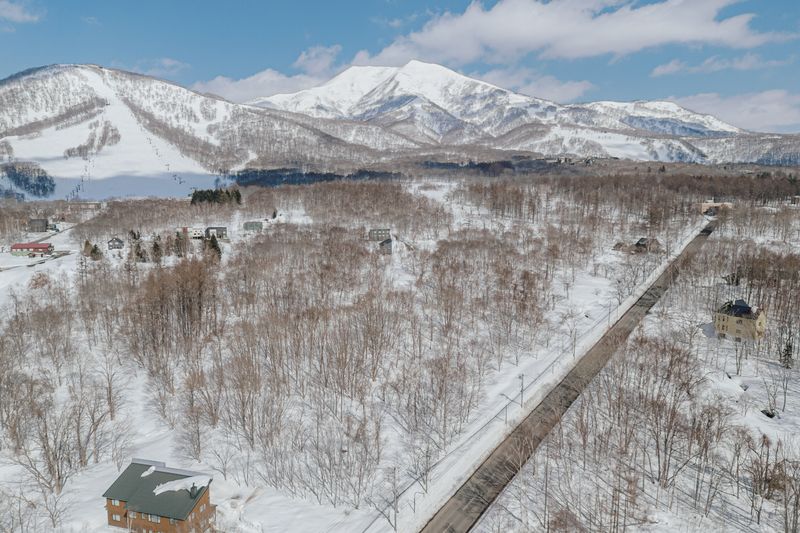
One real data point so far: a delivered winter aerial already saved at about quality 91 came out 31% smaller with the High quality preset, more than the synthetic figure for files at quality 90. One photo is not a benchmark, so the table above stays as it is until the full real export test is done.
JPEGmini's home page claims up to 80%, its pricing page up to 70%; the independent tests cited below measured about 65% and 75%.
Other options you can use today
For winter exports that need to be smaller this week, these work now. None of them sets a per tile quality floor for you, so check your flattest snow and sky frames yourself.
- ImageOptim: a free, open source Mac app. Lossless by default, which saves little on photos; its lossy option saves more at a quality you choose.
- Squoosh: free in the browser, one image at a time, with a split view preview you can drag across the image, which makes banding in a pale sky easy to spot.
- Optimage: a US$15 Mac app, free for up to 24 images a day; its site mentions perceptual metrics but does not name them or publish a threshold.
- Caesium Image Compressor: free and open source, for Mac and Windows, with settings you choose.
- Your editor's own export: in Lightroom Classic, the JPEG quality slider or Limit File Size To; in Capture One, the quality setting in the process recipe. Keep snow frames higher than you would for busy scenes.
Further tools, with their prices and quality settings, are listed in the full JPEGmini and JpegSlim comparison.
Which one to pick
Choose JPEGmini if
You need it today
- You work on Windows as well as Mac
- You compress video or convert HEIC in the same app
- You use the Photoshop plugin
Choose JpegSlim if
Flat areas are your worry
- You shoot snow, sky and water and want every tile checked
- You want to flip between original and result in the app
- You prefer one lower price with plugins included, and can wait for launch
Visiting Hokkaido this winter and would rather be in the photos? Niseko Memories photographs families, couples and skiers in Niseko, Otaru and Lake Toya.
See Niseko Memories sessionsQuestions people ask
Do snow photos compress better or worse than other photos?
Clean, flat snow often compresses to small files, but the margin before banding shows is thinner. Noisy high ISO frames at dusk shrink less, because noise looks like detail to the encoder.
What quality should I export from Lightroom before compressing?
Quality 100. It gives the compressor the most room and leaves a clean master. JpegSlim's Lightroom plugin expects quality 100 in File Settings.
Can JpegSlim run inside a Lightroom export?
Yes. Add JpegSlim under Post-Process Actions in Lightroom Classic's Export dialog. In Capture One, choose Open With: JpegSlim in a Process Recipe.
What does a score of 88 on SSIMULACRA2 mean?
SSIMULACRA2 is an open visual quality measure. On its published scale, 85 means an average viewer notices no difference when the images are swapped in place at 1:1, and 90 means none even in a flicker test. JpegSlim's High quality preset requires 88 in every tile.
Is JpegSlim on sale?
Not yet. It is in private testing and goes on sale after Apple's approval and notarisation. Planned price US$39, one time.
Sources
- JPEGmini pricing (jpegmini.com)
- JPEGmini for Mac downloads and release notes (jpegmini.com)
- JPEGmini review, 631 Nikon Z7 II files (The Phoblographer, 2023)
- JPEGmini brings its file size shrinking tech to Capture One (PetaPixel, 2019, citing DPReview)
- SSIMULACRA2 and its score scale (Cloudinary on GitHub)
- How JPEGmini optimization works (tiles and the Beamr Quality Measure) (JPEGmini help centre)
- JPEGmini home page, up to 80% claim (jpegmini.com)
- ImageOptim for Mac (imageoptim.com)
- Squoosh (Google Chrome Labs)
- Optimage (optimage.app)
- Caesium Image Compressor (SaeraSoft)
Prices and features checked on 21 November 2026. Prices can change; the maker's site has the final word.